Calls and review
What is stored for every call, and how staff check it.
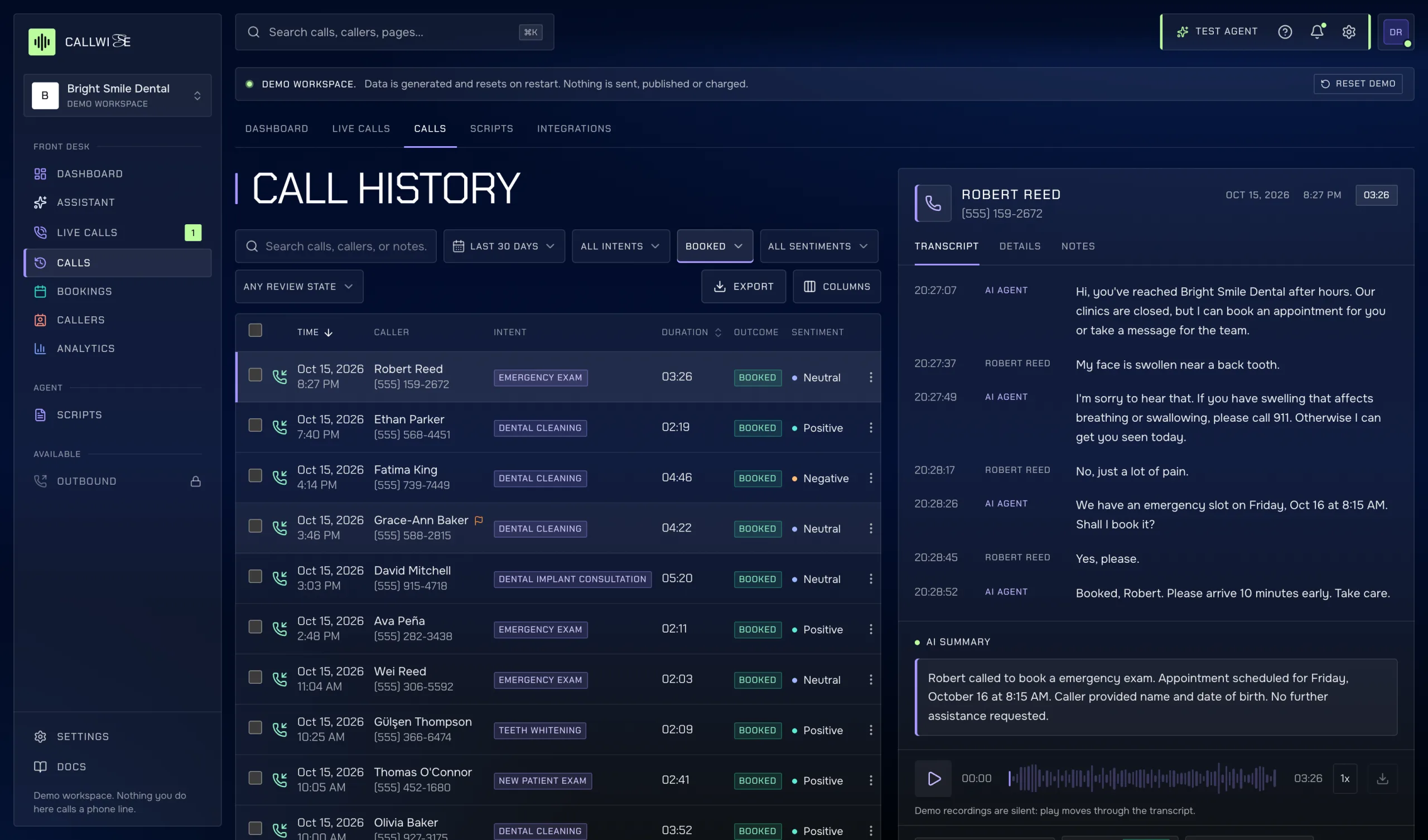
Every call the agent handles is saved with everything needed to check it afterwards.
What a call record holds
| Field | Written by |
|---|---|
| Caller, number dialled, direction, start and end time, duration | Voice service |
| Transcript, turn by turn (agent, caller, staff, system) | Voice service |
| AI summary, one to three sentences | Voice service (Claude, or built-in rules in the demo) |
| Intent, outcome, sentiment, confidence | Voice service |
| Recording | Voice service, when recording is on |
| Agent and script version used, handoff reason, booking made, minutes used | Voice service |
| Review mark, flag | Staff with edit |
| Notes | Staff with edit |
Outcomes are Booked, Rescheduled, Cancelled, Info, Transferred, Voicemail, Missed and Spam.
Finding calls
The Calls page lists calls newest first. Filter by date range, intent, outcome and sentiment, or search across calls, callers and notes. Export CSV downloads the filtered list.
Reviewing a call
Open a call to see the transcript, summary and audio player (with speed control and download), and tabs for Details and Notes. Then:
- Mark reviewed. The database records you as the reviewer and the current time, whatever the request says.
- Flag for follow-up. Flagged calls show up in Needs attention on the Overview.
- Add a note. Notes are signed with your name. You can edit or delete your own notes only.
Each call also has its own link, /app/calls/<id>, to share with a colleague.
What staff can't change
Transcript, outcome, duration, recording and the other voice service fields can't be edited from the app. Signed-in users only have permission to update the review mark and flag. This is enforced by Postgres, so the record stays a faithful account of the call.